
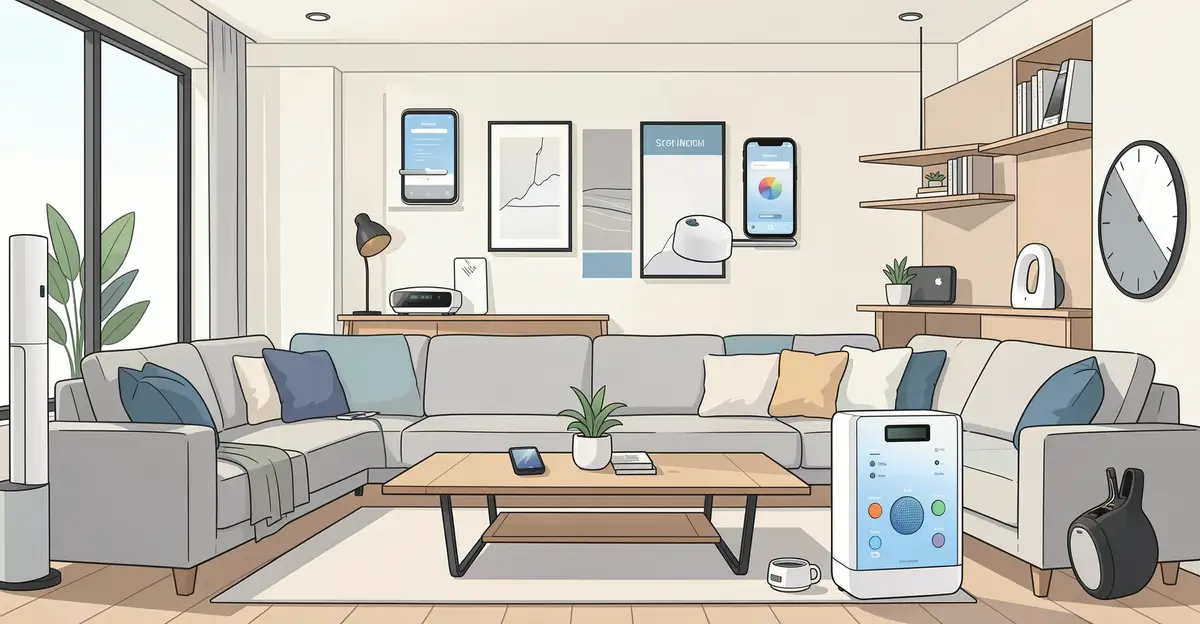
Smart home technology has never been more accessible, and choosing the right devices can transform how you live, save energy, and stay secure. From voice assistants to automated lighting, the best smart home devices work together to simplify your daily routines without adding complexity.
In this guide, we break down the top smart home devices worth your investment in a modern home. You’ll learn what each device does, why it matters, and how to build a connected setup that fits your lifestyle and budget.
Introduction
Walk into a modern home in 2024 and you are likely to encounter light switches that respond to voice commands, thermostats that learn your schedule, and doorbells that let you see visitors from another continent. Smart home technology has moved from novelty to near-necessity for many households. But with thousands of devices on the market—each promising convenience, security, and energy savings—choosing the right ones can feel overwhelming. This article explores Best Smart Home Devices for a Modern Home with clear, practical guidance. Whether you are renting a studio apartment or renovating a suburban house, the right combination of smart devices can simplify daily routines, reduce utility bills, and add an extra layer of safety. The key is to look past marketing hype and focus on interoperability, reliability, and your actual lifestyle needs.
Key Concepts
Understanding the fundamentals of Best Smart Home Devices for a Modern Home helps you make informed decisions. Before you buy a single smart bulb, you need to grasp a few core ideas that govern how these systems work together—or fail to work together.
Hubs versus hubless systems. Some smart devices connect directly to your Wi-Fi router. Others require a central hub—a small box that communicates with devices using protocols like Zigbee, Z-Wave, or Thread. A hub can improve reliability and reduce Wi-Fi congestion, but it adds cost and complexity. Hubless devices are easier to set up but may strain your network if you install dozens of them.
Protocols and compatibility. The smart home world has long been fragmented. Matter, a newer standard backed by major tech companies, aims to unify devices so they work across Amazon Alexa, Google Home, Apple HomeKit, and Samsung SmartThings. When shopping, look for the Matter logo—it is your best guarantee that a device will play nicely with others.
Voice assistants. Alexa, Google Assistant, and Siri are the three main voices. Your choice often depends on which smartphone you carry or which ecosystem you already use. Most smart devices support at least two of the three, but check before buying.
Automation versus remote control. A smart plug that you turn on with your phone is convenient. A smart plug that turns on your coffee maker at 6:30 a.m. every weekday is automation. True smart homes rely on routines and triggers—motion sensors, time schedules, geofencing—rather than manual app taps.
Security and privacy. Every connected device is a potential entry point for hackers. Use strong, unique passwords, enable two-factor authentication where available, and keep firmware updated. Prefer devices from reputable brands with clear privacy policies.
Deep Dive
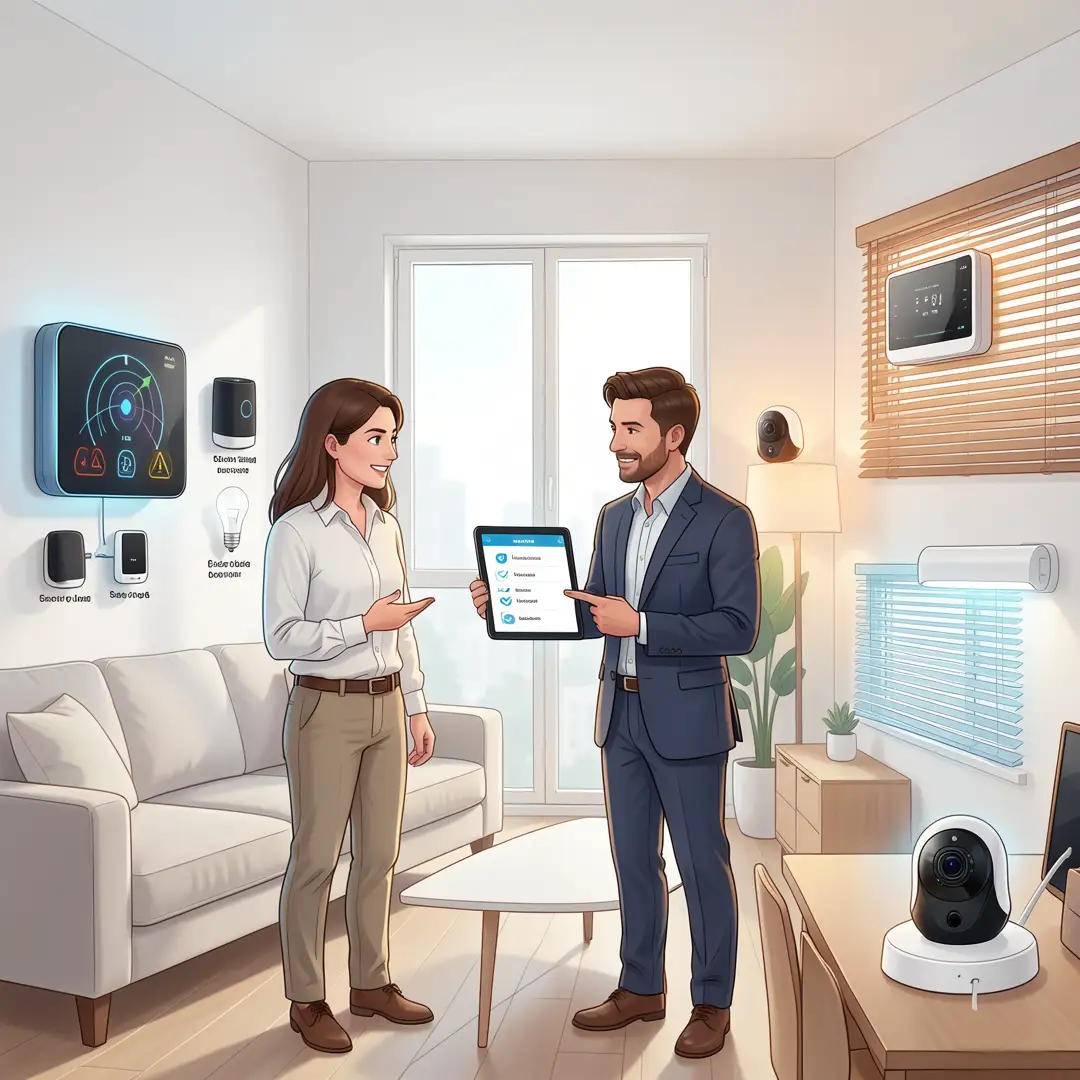
Now let us examine the specific categories of smart home devices that deliver the most value for a modern home. Rather than chasing every gadget, focus on these five pillars: lighting, climate control, security, entertainment, and energy management.
Smart Lighting
Smart bulbs and light switches are often the first purchase—and for good reason. They are easy to install, immediately useful, and relatively inexpensive. Philips Hue remains the gold standard for color-changing bulbs, but brands like Wyze and Sengled offer white-only smart bulbs for a fraction of the price. Smart switches, such as those from Lutron Caseta, are better if you want to keep your existing bulbs and control them from a wall plate. Automations like “turn off all lights when I leave” or “dim lights to 20% at 10 p.m.” quickly become indispensable.
Smart Thermostats
A smart thermostat can cut heating and cooling costs by 10–15% annually, according to energy studies. The Google Nest Learning Thermostat and Ecobee SmartThermostat are the two most popular options. Nest learns your schedule automatically; Ecobee includes remote room sensors to balance temperatures across different areas. Both integrate with voice assistants and most smart home hubs. If you have a heat pump or multi-zone HVAC system, check compatibility before buying.
Smart Security
Security devices range from video doorbells to full alarm systems. A video doorbell like the Ring Battery Doorbell Plus or Arlo Essential lets you see and speak to visitors from your phone. Outdoor cameras from Reolink and Eufy offer local storage options, which avoid monthly cloud fees. For comprehensive protection, consider a DIY system like SimpliSafe or a professional installation from ADT. Motion sensors, door/window contacts, and smart locks (August, Yale) round out a basic security setup.
Smart Entertainment
Smart speakers and displays serve as the command center for your home. The Amazon Echo (4th Gen) and Google Nest Audio are affordable ways to add voice control. Smart TVs from LG, Samsung, and TCL run their own app stores and integrate with assistants. For a cinematic experience, smart projectors and soundbars with Wi-Fi and Bluetooth are worth considering. But beware: entertainment devices often have the weakest privacy controls. Review settings carefully.
Energy Management
Smart plugs and energy monitors help you understand which appliances draw the most power. The TP-Link Kasa Smart Plug works with Alexa and Google, and costs less than a pizza. For whole-home monitoring, devices like Sense or Emporia Vue install inside your electrical panel and track usage in real time. Pair these with smart lighting and thermostats to reduce waste automatically.
Step-by-Step Guide to Building Your Smart Home

Step 1: Understand the fundamentals
Before buying anything, learn the difference between hubs and hubless systems, understand Matter and Thread, and decide which voice assistant you prefer. Read reviews from reputable tech sites, not just product pages. Know your Wi-Fi network’s capabilities—older routers may struggle with many devices. This foundational knowledge prevents costly mistakes and ensures that your future devices will work together.

Step 2: Assess your starting point
Walk through your home and list the pain points. Do you frequently forget to turn off lights? Is the upstairs bedroom always too hot? Do you worry about package theft? Also inventory your existing tech: smartphone model, router age, and any smart devices you already own. This assessment tells you which categories to prioritize and which to skip for now.

Step 3: Set clear goals
Decide what success looks like. Maybe you want to reduce your electric bill by 15%, or you want to check on your dog from work, or you simply want to impress guests with voice-controlled music. Write down two or three specific goals. This focus prevents impulse purchases and helps you measure whether your smart home is actually improving your life.

Step 4: Gather necessary resources
You will need a stable Wi-Fi network (consider a mesh system if your home is large), a smartphone or tablet for setup, and a budget. Entry-level smart homes can be built for under $200; comprehensive setups can exceed $2,000. Also gather any tools you need for installation—screwdrivers for switches, a ladder for cameras, and possibly an electrician for thermostats or doorbells. Check return policies before buying.
Step 5: Apply the core methods
Start with one category, such as lighting. Install a few smart bulbs or switches, then set up basic automations. Once that works reliably, add a smart thermostat. Then a video doorbell. Add devices in waves rather than all at once. This approach lets you troubleshoot issues without becoming overwhelmed. Use the manufacturer’s app for initial setup, then link devices to your preferred voice assistant or hub.

Step 6: Monitor your progress
After a month, review your energy bills, check whether your security cameras captured useful footage, and ask family members if the voice controls feel natural or frustrating. Reliable information and consistent habits lead to better long-term outcomes. Adjust schedules, rename devices for clarity, and remove any gadget that adds stress rather than convenience. A smart home should serve you, not the other way around.
Best Practices
To get the most from your smart home devices, follow these proven guidelines.
- Prioritize interoperability. Buy Matter-certified devices whenever possible. They work across ecosystems and will remain useful even if you switch from Alexa to Google.
- Secure your network. Use a separate Wi-Fi network for smart devices if your router supports it. Change default passwords immediately. Enable automatic firmware updates.
- Start small and scale. A single smart plug that automates your coffee maker can deliver more daily value than a dozen unused gadgets. Add complexity only when you have mastered the basics.
- Create routines, not just remote controls. The real magic happens when devices react to triggers. For example: “If motion detected after sunset, turn on porch light at 50% brightness.”
- Document your setup. Keep a list of device names, IP addresses, and login credentials in a password manager. This saves hours when troubleshooting or moving.
- Respect privacy. Cover camera lenses when not in use. Review voice assistant recordings periodically. Opt out of data sharing where possible.
- Plan for power outages. Some smart devices forget their settings when the power fails. Choose devices with local control or battery backups for critical functions like security.
FAQ
What should I know about Best Smart Home Devices for a Modern Home?
You should know that the best device is not the most expensive or feature-packed one—it is the one that solves a real problem in your daily life. Focus on compatibility (Matter, Wi-Fi, or a hub you already own), reliability (read user reviews for connection drops), and privacy. Also understand that smart homes require maintenance: firmware updates, password changes, and occasional reconfiguration. Budget for both the devices and any subscription fees for cloud storage or advanced features.
Who is this guide for?
This guide is for anyone who wants to add smart technology to their home without wasting money or getting lost in jargon. It is suitable for renters who need non-permanent solutions, homeowners planning renovations, and tech-curious individuals who want practical advice. No prior experience with smart homes is required. If you can use a smartphone, you can follow these steps. The guide also helps experienced users fill gaps in their setup and avoid common pitfalls.
Do I need a smart hub?
Not necessarily. Many devices connect directly to Wi-Fi. However, a hub can improve reliability, enable local automation (so routines work even if the internet is down), and reduce Wi-Fi congestion. If you plan to install more than 15–20 devices, a hub is worth considering. Matter-compatible hubs from Amazon, Google, and Apple are good choices.
You now have a solid foundation for Best Smart Home Devices for a Modern Home. Apply the best practices above and revisit this guide as your needs evolve.