
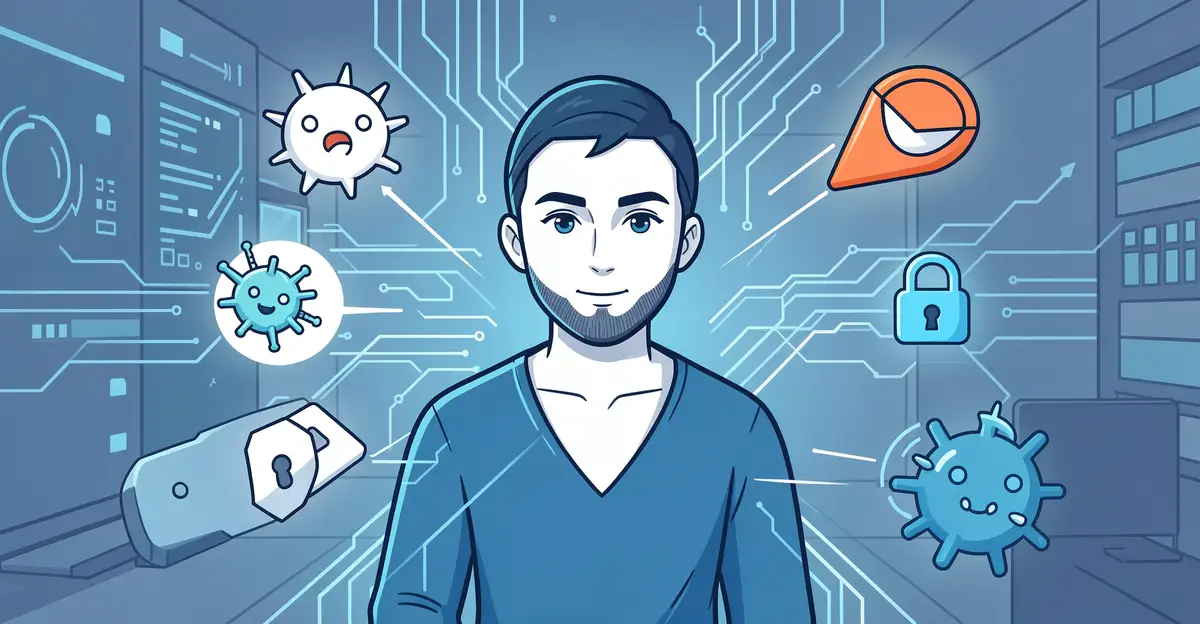
Cyberattacks are no longer a distant concern reserved for large corporations — they target individuals, small businesses, and households every single day. From phishing emails that mimic trusted brands to ransomware that locks away your most important files, the modern threat landscape evolves faster than most people can keep up with. Understanding today’s top cybersecurity threats is the first step toward building real, lasting protection.
In this guide, we break down the most dangerous cyber threats you’re likely to face and share practical, actionable steps to defend yourself. Whether you’re securing a personal device or safeguarding an entire organization, these strategies will help you stay one step ahead of attackers and protect what matters most.
Introduction
Cybercrime has moved from the fringes of the internet into everyday life. A single reused password, an unpatched laptop, or a moment of distraction during a phone call can expose your bank account, your identity, and the personal data of everyone in your contact list. The scale is staggering: billions of credentials circulate on criminal marketplaces, ransomware gangs hold entire organizations hostage, and automated bots scan millions of addresses every hour looking for an open door.
What makes this landscape so difficult is that the threats keep changing shape. Phishing messages now arrive as polished texts and voice notes. Malware hides inside legitimate-looking software updates. Scammers impersonate delivery drivers, tax officials, and even your own colleagues. Yet the defenses against most of these attacks remain surprisingly consistent. This article explores Top Cybersecurity Threats and How to Stay Protected with clear, practical guidance you can apply the same day you read it.
The goal here is not to turn you into a security engineer. It is to help you recognize the patterns behind modern attacks, understand why certain habits matter more than expensive tools, and build a routine that protects your devices, accounts, and peace of mind over the long term.
Key Concepts
Before diving into specific threats, it helps to understand a handful of ideas that underpin nearly every cyberattack. These concepts explain why breaches happen and where your attention is best spent.
The attack surface. Every device, account, app, and network connection you use is part of your attack surface. The more entry points you have, the more opportunities an attacker has. Reducing your attack surface means removing apps you no longer use, closing accounts you have forgotten, and limiting what you share publicly.
Social engineering. Most successful attacks do not begin with sophisticated code. They begin with a human being persuaded to click, reply, pay, or share. Social engineering exploits trust, urgency, and fear. Understanding this helps you see that skepticism is not rudeness; it is a security control.
Malware families. Viruses, worms, trojans, spyware, adware, and ransomware are all categories of malicious software. Ransomware encrypts your files and demands payment. Spyware silently records what you type and where you go. Trojans disguise themselves as legitimate programs. The delivery method varies, but the objective is usually the same: access, control, or profit.
Phishing and its relatives. Phishing arrives by email, vishing by voice call, smishing by text, and quishing through QR codes. Each variant uses the same psychological playbook: impersonate someone you trust and create a reason to act immediately.
Zero-day and known vulnerabilities. A zero-day is a flaw the software maker does not yet know about. A known vulnerability is one that has been discovered and often patched. Most breaches exploit known vulnerabilities that were never updated, which is why patching is one of the highest-value habits you can build.
Authentication and authorization. Authentication proves who you are; authorization decides what you can access. Weak authentication, such as a short password used everywhere, undermines every other protection you put in place.
Understanding the fundamentals of Top Cybersecurity Threats and How to Stay Protected helps you make informed decisions rather than reacting to headlines. When you grasp why an attack works, you can anticipate the next variation instead of memorizing a list that goes stale.
Deep Dive
The most common threats today
While new attack techniques appear constantly, a small number of threat categories account for the overwhelming majority of incidents affecting individuals and small organizations.
- Phishing and business email compromise. Fraudulent messages that impersonate trusted contacts, banks, or vendors. They often request a payment, a password reset, or a file download. Business email compromise specifically targets employees who can authorize transfers.
- Ransomware. Malicious software that locks your files or systems and demands cryptocurrency payment. Even when victims pay, recovery is often incomplete.
- Credential stuffing. Attackers take username and password pairs leaked from one breach and test them against other services. If you reuse passwords, one breach becomes many.
- Malicious apps and fake updates. Software downloaded from unofficial sources, browser extensions with hidden trackers, and pop-ups urging you to update Flash or a media player you never installed.
- Public Wi-Fi interception. Unencrypted networks in cafes, airports, and hotels can allow attackers to observe traffic or redirect you to fake login pages.
- Insider and supply chain risk. A compromised vendor, contractor, or stolen laptop can bypass your perimeter defenses entirely.
- SIM swapping and account takeover. Criminals convince a mobile carrier to transfer your number to their SIM, then intercept one-time codes sent by text.
- Deepfakes and AI-generated scams. Cloned voices and video used to impersonate executives or family members in urgent requests for money.
Each threat exploits a weakness in either technology, process, or human judgment. The strongest defenses address all three.
Why prevention beats reaction
Cleaning up after a breach is expensive, stressful, and sometimes impossible. Files cannot always be recovered. Identities cannot always be restored quickly. Prevention, by contrast, is mostly a matter of consistent habits: updating software, using unique passwords, enabling multi-factor authentication, and pausing before acting on urgent requests. These measures are inexpensive, repeatable, and effective against a wide range of attacks.
The role of human behavior
Security tools fail when people bypass them. Employees click links that filters miss. Family members share passwords to save time. A culture of security, built on simple rules and regular reminders, closes gaps no product can cover alone.
Best Practices
The following practices form a practical baseline. None require advanced technical skill, and together they dramatically reduce your risk.
Strengthen your accounts
- Use a password manager to generate and store long, unique passwords for every account.
- Enable multi-factor authentication everywhere it is offered, preferring an authenticator app or hardware key over SMS codes.
- Review account recovery options and remove old phone numbers or email addresses you no longer control.
Secure your devices
- Turn on automatic updates for your operating system, browser, and apps.
- Install reputable security software and keep it current.
- Encrypt your hard drive and lock your screen whenever you step away.
- Back up important data using the 3-2-1 rule: three copies, two formats, one stored offsite or in the cloud.
Practice safer browsing and communication
- Avoid entering sensitive information on public Wi-Fi; use a trusted VPN if you must connect.
- Verify unexpected requests by contacting the person or organization through a known, independent channel.
- Hover over links to inspect the real destination before clicking, and treat urgent or threatening messages as suspect by default.
- Download software only from official sources, and decline browser notifications from unfamiliar sites.
Protect your identity and data
- Share only what is necessary online and review privacy settings regularly.
- Freeze your credit or set fraud alerts if you suspect exposure.
- Monitor bank and credit card statements for small, unfamiliar charges that may signal account testing.
Prepare for the worst
- Keep an offline list of critical contacts and account recovery steps.
- Know how to report fraud to your bank, your employer, and relevant authorities.
- Run occasional drills: ask yourself how you would respond if your email were compromised tomorrow.
Reliable information and consistent habits lead to better long-term outcomes. The value of these practices comes from repetition, not from any single dramatic action.
Step-by-Step: Building Your Personal Security Plan
Step 1: Understand the fundamentals
Start by learning the core threats described earlier: phishing, ransomware, credential stuffing, and social engineering. Read one credible article about each, or review your employer’s security awareness training. The point is to recognize the warning signs, such as mismatched sender addresses, unusual payment requests, and pressure to act quickly. Without this foundation, every later step is guesswork.
Step 2: Assess your starting point
Take inventory of your digital life. List your devices, the accounts that matter most (email, banking, social media, cloud storage), and where you currently store passwords. Note which accounts already have multi-factor authentication and which do not. Check when your devices last received updates. Identify any software you no longer use. This audit reveals your biggest gaps and helps you prioritize.
Step 3: Set clear goals
Turn your findings into specific, achievable targets. For example: enable multi-factor authentication on all financial and email accounts within two weeks. Replace reused passwords with unique ones over the next month. Set up automatic backups for your most important files by the end of the quarter. Concrete deadlines make progress measurable and prevent the task from feeling overwhelming.
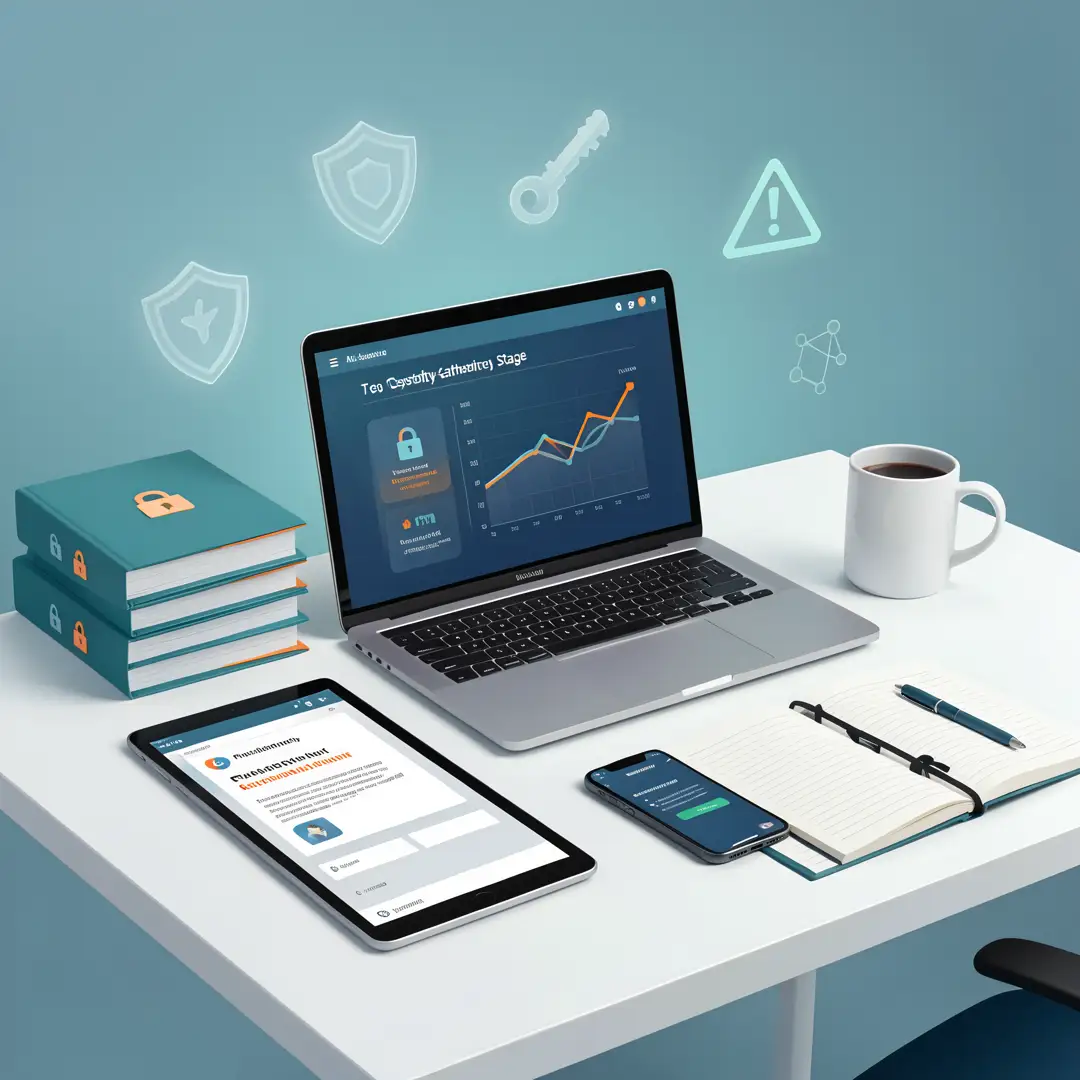
Step 4: Gather necessary resources
Collect the tools and information you need before you start changing settings. This typically includes a password manager, an authenticator app, a reputable antivirus or built-in security suite, and an external drive or cloud backup service. Save the support and recovery phone numbers for your bank, email provider, and mobile carrier. Bookmark official security pages so you can find accurate guidance quickly.
Step 5: Apply the core methods
Work through your goals methodically. Install the password manager and begin replacing your most critical passwords first. Turn on multi-factor authentication account by account. Enable automatic updates on every device. Configure backups and confirm they actually run. Adjust privacy settings on social media and remove old apps. As you go, note any obstacles so you can address them rather than abandoning the effort.
Step 6: Monitor your progress
Security is ongoing, not a one-time project. Set a monthly reminder to review account activity, check for software updates, and confirm your backups completed. Every few months, revisit your inventory to account for new devices and services. Watch for signs of compromise, such as unexpected password reset emails or login alerts from unfamiliar locations. Adjust your plan as your digital life changes.
FAQ
What should I know about Top Cybersecurity Threats and How to Stay Protected?
The most important takeaway is that a small set of habits defends against the majority of attacks. Use unique passwords, enable multi-factor authentication, keep software updated, back up your data, and verify unexpected requests before acting. You do not need to.
You now have a solid foundation for Top Cybersecurity Threats and How to Stay Protected. Apply the best practices above and revisit this guide as your needs evolve.