
Ever wondered how your smartphone stays connected to the internet without a Wi-Fi network? The answer lies in the tiny SIM card tucked inside your device. Understanding how internet works via SIM card helps you make smarter choices about data plans, coverage, and mobile connectivity.
In this guide, we break down the technology in simple terms—from cellular towers to data transmission—so you can see exactly what happens each time you browse, stream, or send a message on the go.
Introduction
Most people carry a small plastic card in their phone without ever thinking about how it turns cell towers into web pages, videos, and voice calls. That card is a SIM, short for Subscriber Identity Module, and it sits at the center of mobile internet access. This article explores how internet work via sim card? with clear, practical guidance you can apply immediately, whether you are troubleshooting a slow connection, choosing a data plan, or simply satisfying your curiosity about the technology in your pocket.
When you open a browser on a smartphone, a chain of events begins that involves radio waves, authentication servers, and a global network of cell towers. The SIM card is the key that unlocks all of it. Without a valid SIM, your phone can still connect to Wi-Fi, but it cannot reach the cellular internet at all. Understanding the fundamentals of how internet work via sim card? helps you make informed decisions about carriers, plans, device settings, and even travel abroad, where roaming charges can add up quickly.
The good news is that the core idea is simple. The SIM identifies you to the network, the network grants you access, and data flows through radio signals between your phone and nearby towers. Everything else is detail. Reliable information and consistent habits lead to better long-term outcomes, so this guide walks through the concepts, the practical steps, and the common questions people ask most.
Key Concepts
Before diving into mechanics, it helps to define the moving parts. Each term below plays a specific role in getting data from the internet to your screen.
The SIM Card Itself
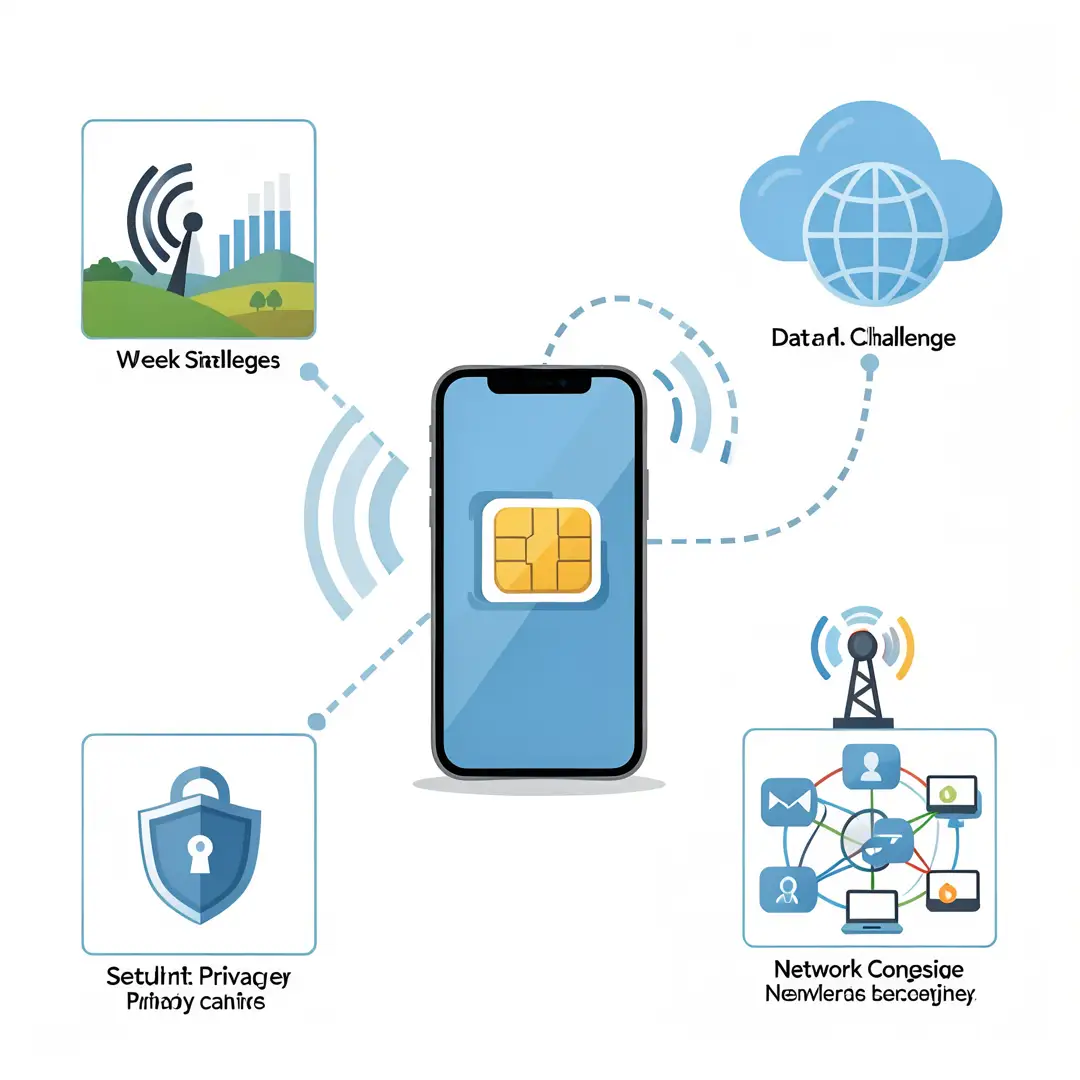
A SIM card is a small chip that stores a unique identifier called the IMSI (International Mobile Subscriber Identity), along with authentication keys and sometimes a phone number. The network uses these credentials to verify that you are a legitimate subscriber. SIMs come in different sizes: standard, micro, nano, and now eSIM, which is a soldered chip that can be reprogrammed remotely. Functionally, they all do the same job.
The Mobile Network Operator
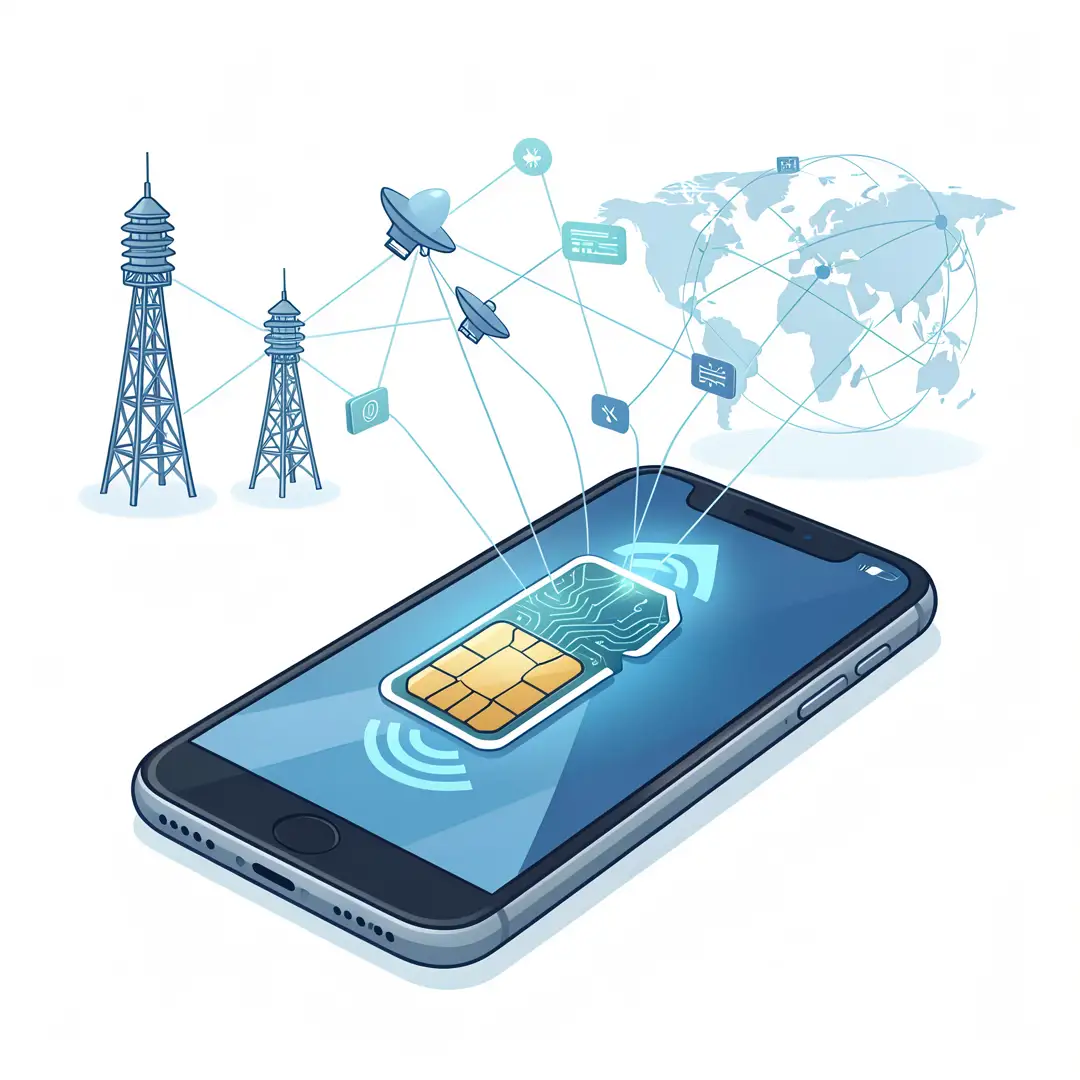
Your carrier owns or leases radio spectrum and operates the cell towers, base stations, and core network equipment. When your phone connects, the carrier checks your SIM credentials against its subscriber database. If everything matches and your account is active, you get access to the internet through the carrier’s gateway to the public internet.
Cell Towers and Radio Bands
Cell towers, also called base stations, transmit and receive radio signals. Each tower covers a geographic area called a cell. As you move, your phone hands off the connection from one tower to another. Different generations of technology—2G, 3G, 4G LTE, and 5G—use different radio bands and offer different speeds. Your SIM and phone must support the bands your carrier uses.
Data Sessions and APN Settings
An Access Point Name (APN) is a configuration that tells your phone which gateway to use for mobile data. Carriers usually push APN settings automatically, but sometimes you must enter them manually. A wrong APN is one of the most common reasons mobile data fails even when the signal bars look strong.
Authentication and Encryption
The SIM and the network perform a challenge-response handshake using secret keys. This prevents someone from cloning your SIM and using your data. Once authenticated, traffic between your phone and the tower is encrypted over the radio link, though encryption strength varies by generation.
Deep Dive
Now let’s trace the full journey of a single request, such as loading a webpage, from tap to display.
From Tap to Radio Signal
When you tap a link, your phone’s operating system creates data packets. The phone’s modem converts those packets into radio signals. The modem knows which frequency and protocol to use based on instructions from the SIM and the network. The SIM provides the identity credentials, and the modem handles the transmission.
The Role of the SIM in Authentication
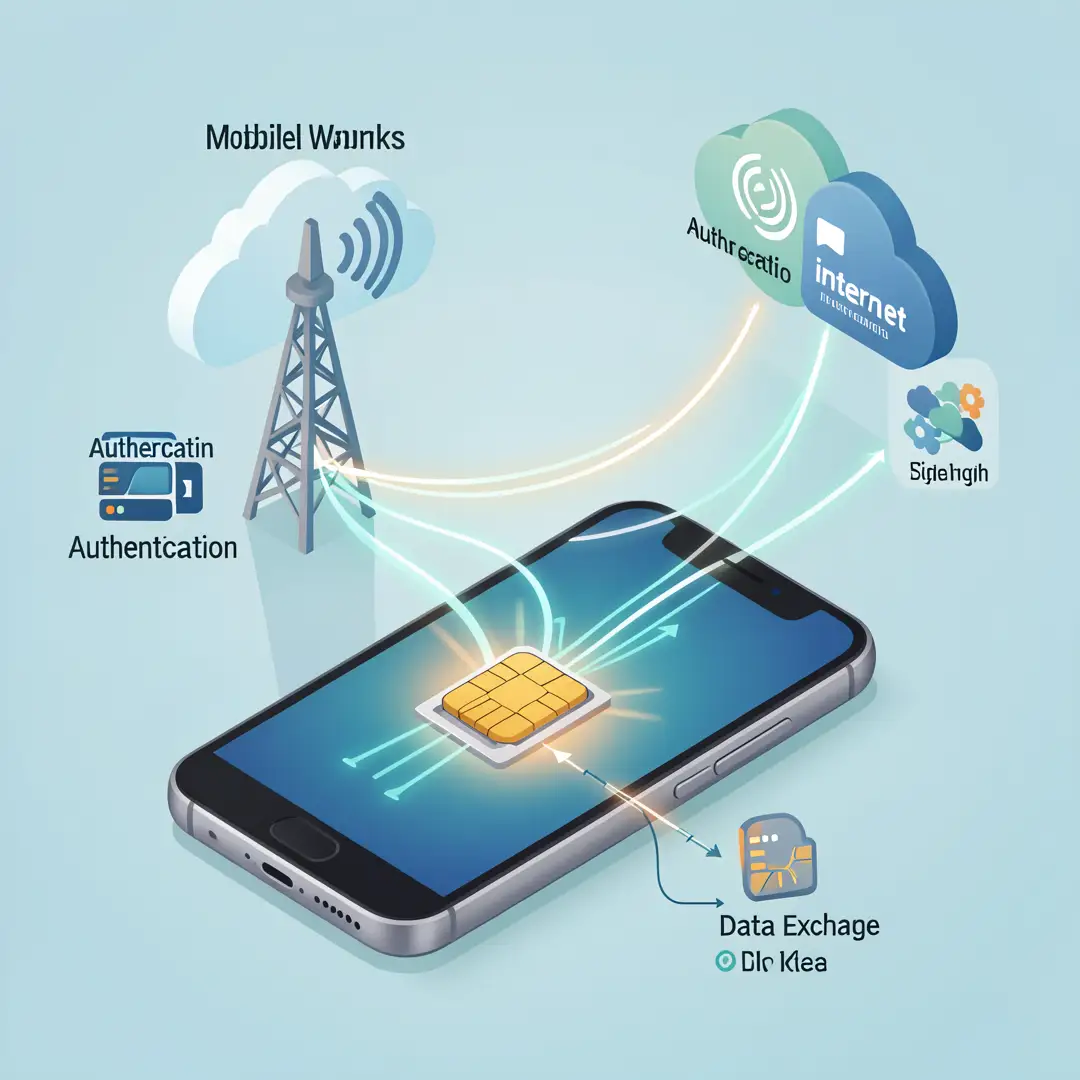
Before any data flows, the phone requests a connection to the network. The tower relays this request to the carrier’s core network. The core network sends a random challenge to the SIM. The SIM computes a response using its secret key and sends it back. If the response matches what the network expects, the session is authorized. This happens in milliseconds and repeats periodically.
How Data Travels Across the Network
Once authorized, your packets travel from the tower to a base station controller, then to a serving gateway, and finally to a packet data network gateway that connects to the public internet. The return path follows the same route in reverse. Latency, or delay, depends on distance, network congestion, and the technology generation in use.
4G vs 5G and What It Means for You
4G LTE introduced all-IP data, meaning voice and data both travel as packets. 5G builds on that with higher speeds, lower latency, and more capacity. However, 5G coverage is still uneven. Your SIM may support 5G, but if the tower near you only broadcasts 4G, you will get 4G speeds. The SIM alone does not determine speed; the network and your device matter too.
Roaming and International Data
When you travel, your phone connects to a foreign carrier’s tower. That carrier checks your SIM credentials with your home carrier through a roaming agreement. If the agreement exists and your plan allows it, data flows, often at a higher cost. Understanding this process helps you avoid surprise charges and choose the right roaming add-on or local SIM.
eSIM and the Future
eSIM replaces the physical card with a downloadable profile. You can switch carriers by scanning a QR code or using an app. The underlying mechanics are the same: the eSIM stores credentials and authenticates with the network. The advantage is convenience and the ability to hold multiple profiles on one device.
Best Practices
Knowing how the system works is useful, but applying a few habits makes your mobile internet more reliable and affordable.
- Check your APN settings first. If mobile data stops working, compare your APN configuration with your carrier’s official settings before assuming a hardware problem.
- Keep your SIM clean and seated properly. Dust or a loose tray can cause intermittent connectivity. Remove the SIM, wipe it gently, and reseat it.
- Monitor your data usage. Most phones show per-app usage. Identify which apps consume the most background data and restrict them if needed.
- Understand your plan’s throttling policy. Many “unlimited” plans slow down after a certain threshold. Knowing the limit prevents frustration.
- Use Wi-Fi when available. Offloading to Wi-Fi reduces cellular congestion and saves your data allowance.
- Update carrier settings. Phone manufacturers and carriers release updates that improve network compatibility. Install them promptly.
- Be careful with public charging and unknown SIMs. Never insert a SIM from an untrusted source, and avoid using unknown charging stations that could access your device.
- For travel, research roaming or buy a local eSIM. A local data plan is often far cheaper than international roaming.
Step-by-Step Guide
Follow these steps to understand, assess, and optimize how your SIM delivers internet access.

Step 1: Understand the fundamentals
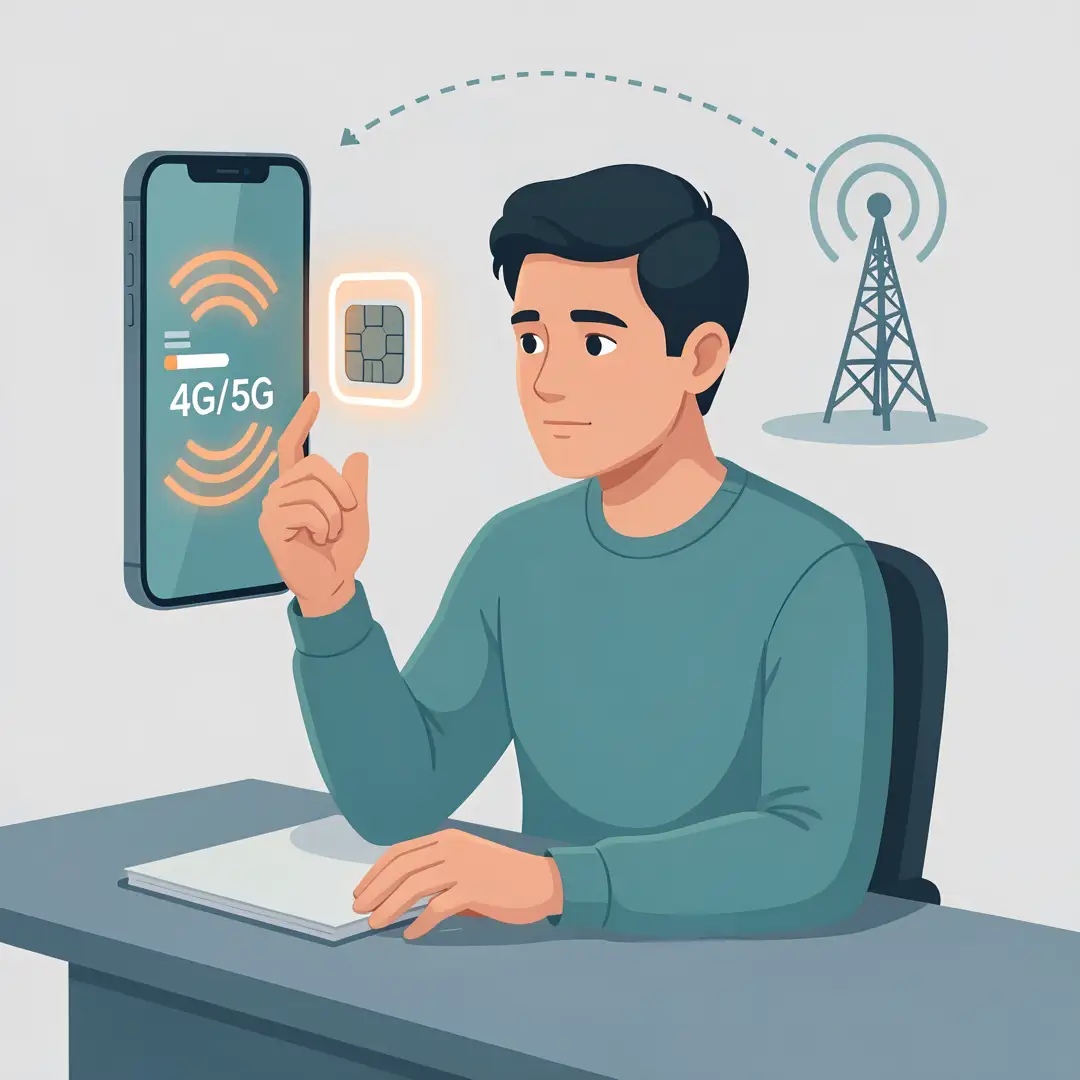
Start by confirming what type of SIM you have and what network generation your phone supports. Check your phone’s settings under “About” or “Network” to see the SIM status, carrier name, and signal strength. Read your carrier’s coverage map for your area. This baseline knowledge tells you what is possible before you change anything.
Step 2: Assess your starting point
Run a speed test on mobile data only, with Wi-Fi turned off. Note the download speed, upload speed, and latency. Compare these numbers with your carrier’s advertised typical speeds. If the gap is large, the issue may be coverage, congestion, or a configuration problem. Also check whether your data saver mode or a VPN is active, as both can affect performance.

Step 3: Set clear goals
Decide what you actually need. If you mostly browse and message, a modest data plan with good coverage is enough. If you stream video or work remotely, you need higher speeds and a larger data allowance. Write down your target: for example, “reliable video calls at home” or “no surprise charges while traveling.” Clear goals guide your choices about carriers, plans, and device settings.
Step 4: Gather necessary resources
Collect your carrier’s customer support number, your account login, and the correct APN settings. If you travel, research eSIM options and roaming rates. Keep a SIM ejector tool handy, and note your phone’s model number and supported bands. Having these resources ready makes troubleshooting faster and less stressful.
Step 5: Apply the core methods
Now put the knowledge to work. Reset your APN to the carrier’s recommended values. Toggle airplane mode on and off to force a fresh network registration. If speeds are slow, try moving to a different location or a higher floor. Disable background app refresh for apps you do not need. If you are traveling, install a local eSIM profile before you leave. These concrete actions solve the majority of common mobile internet problems.

Step 6: Monitor your progress
After making changes, retest your speed and note the results. Track your data usage weekly for the first month after any plan change. Set a data warning on your phone so you get alerted before you exceed your limit. If problems persist, contact your carrier with your speed test results and location details. Consistent monitoring turns a one-time fix into a lasting improvement.
FAQ
What should I know about how internet work via sim card?
The main thing to know is that the SIM authenticates you to the carrier’s network, and the network then routes your data through cell towers to the internet. The SIM does not generate the signal itself; it provides identity and security credentials. Speed and coverage depend on the tower technology, your phone’s radio capabilities, and your plan. If mobile data fails, check the APN, signal strength, and account status before assuming the SIM is faulty.
Who is this guide for?
This guide is for anyone who uses a smartphone or cellular-connected device and wants a clear, practical explanation of mobile internet. It is especially useful for people who travel, those switching carriers, or anyone.
You now have a solid foundation for how internet work via sim card?. Apply the best practices above and revisit this guide as your needs evolve.